FEATURE: 2014.4 - Added The Ability To Subscribe To A Blog

FEATURE: Added the ability to subscribe to a blog. Subscribers will receive an email notification when new posts are published to that blog.
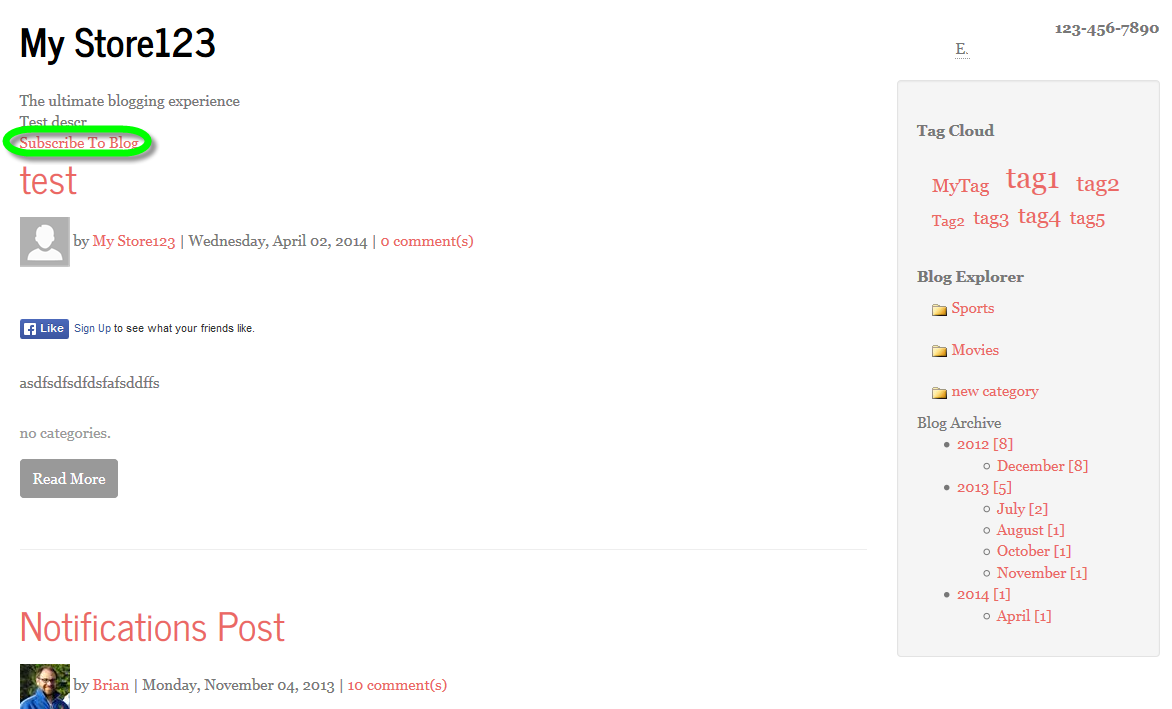
There is a new merge code for this for blog rolls, $$SUBSCRIBETOBLOGBUTTON$$
As with blog commenting, customers must be logged in to subscribe:
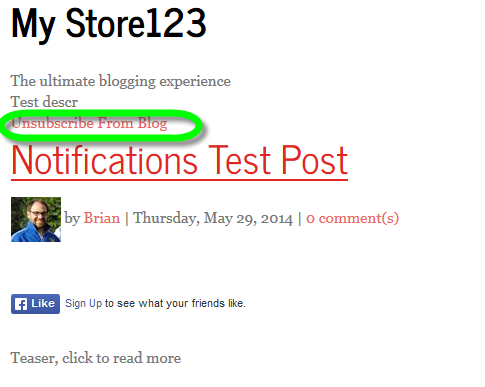
If a customers is already subscribed, the same mergecode will instead render an unsubscribe message and allow them to unsubscribe:
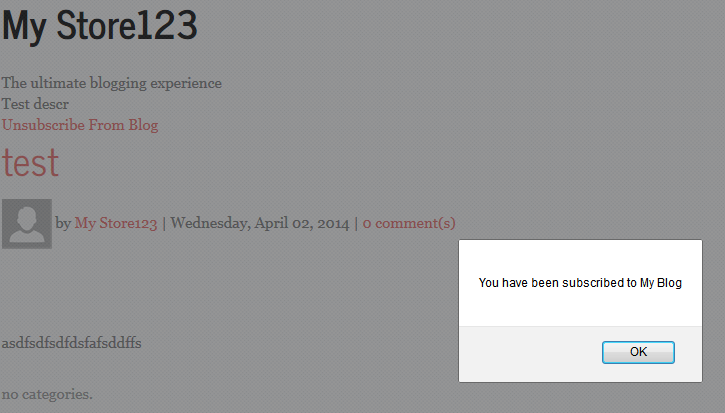
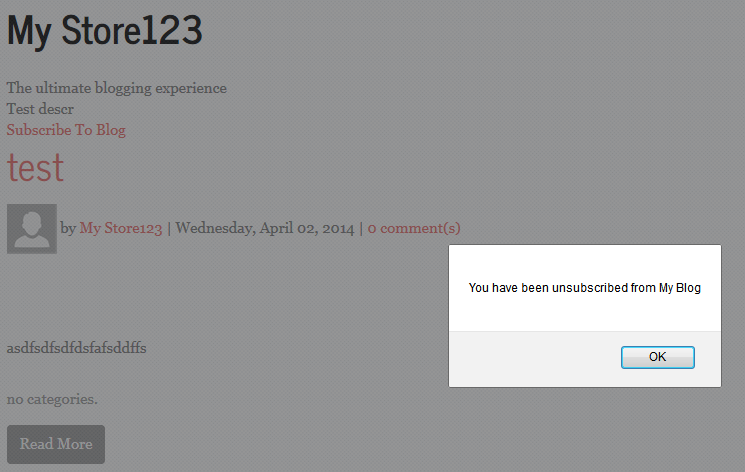
When subscribing or unsubscribing, the customer will receive confirmation of the action:
There are 3 new store text keys that control the text of the new subscribe button:
BlogRoll_MustBeLoggedInToSubscribe_string
BlogRoll_SubscribeButtonText_string,
BlogRoll_UnsubscribeButtonText_string,
There are two new email templates that have been added to facilitate this feature, and will be configured automatically for existing blogs:
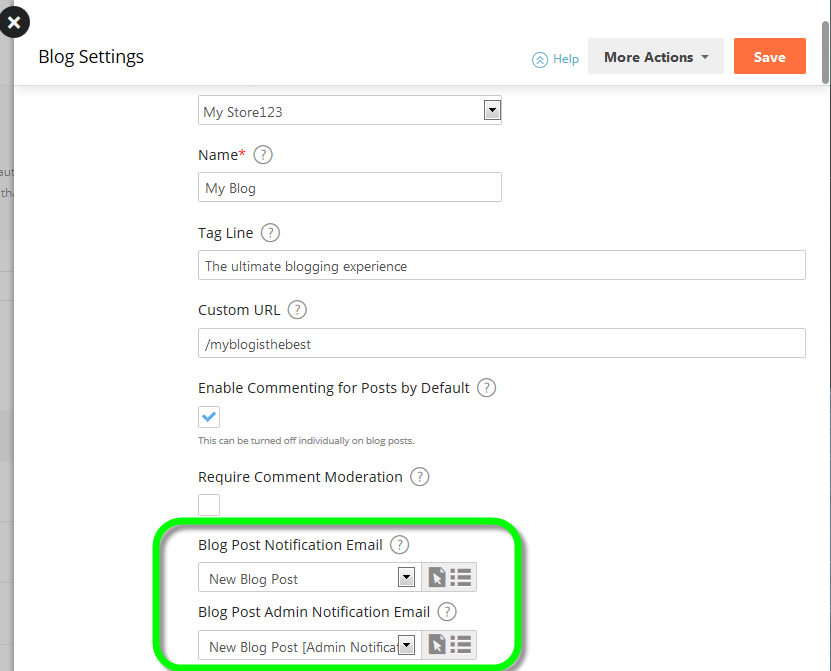
The admin notification email, if configured, is sent to all site alert email addresses for the store, as well as the author of the blog post. The regular notification is sent to any subscribers. If the email template is set to none for either, that particular notification will not be sent even if there are subscribers.
The default email template looks like this:
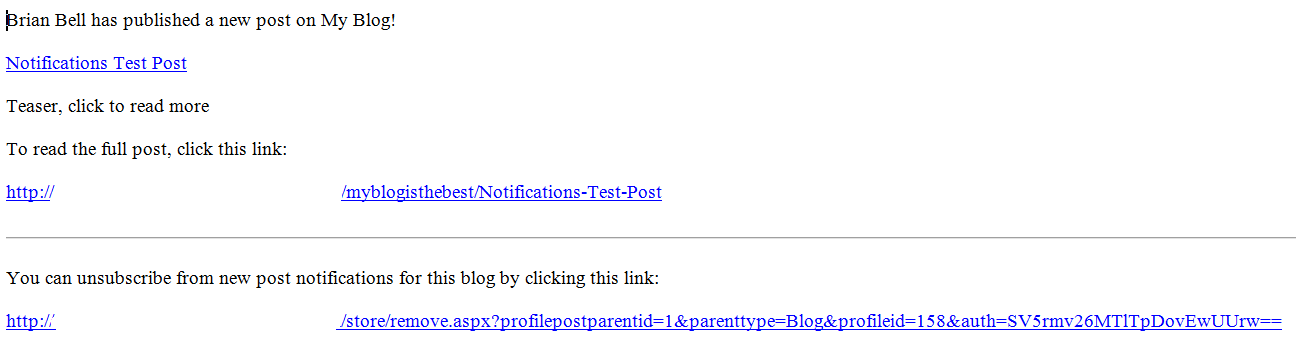
Note that customers can unsubscribe using the link.
Note that since we allow blog posts to be hidden or set with a future publication date, blog posts configured in either manner will not trigger notifications. If a blog post is unhidden and has not triggered notifications, the notifications will be sent at the time it is unhidden. There is also an automatic timed event that will send notifications for blog posts that are set with a future publication date once that publication date is reached.
All existing blog posts will be flagged so that they will not send notifications, so this will only apply to new blog posts from when this update is applied to a site.
Please sign in to leave a comment.
Comments
0 comments